
Stats Manager
Server Information
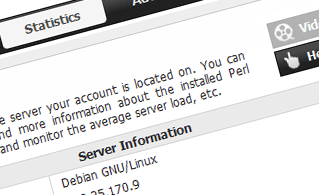 This section will give you detailed information about the server your account is located on. You can see the OS, the physical IP and the current PHP/Perl/MySQL versions used, find more info about the installed Perl modules and the incoming and outgoing mail servers, keep an eye on the server load, etc.
See Server Information here
Access & Error Logs
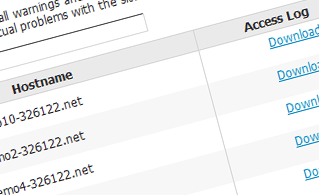 This section enables you to keep track of the access and error log files for the websites hosted in your account. An access log is a list of all the files uploaded onto your site, including text files, image files, video files, etc. that people have requested to access. The error log, on the other hand, contains a list of all warning and error messages associated with your web site and helps you avoid any potential problems with the website's accessibility.
See Access & Error Logs here
Traffic Statistics
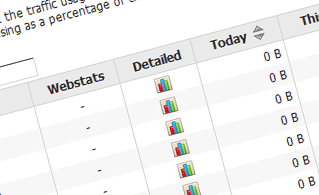 This section offers you elaborate, up-to-date info about the visits to your web site. You can choose between two famous web stats tools - Webalizer and Awstats. They include elaborate info about the number of hits, visits and page requests on a daily and monthly basis. You can find stats for all the domain names and sub-domain names hosted in your account.
See Traffic Statistics here
CPU Statistics
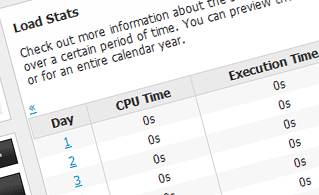 The server's central processing unit is used to deliver your webpages to your visitors. The more complex and resource-swallowing your sites are, the more CPU time will be needed. This section permits you to monitor your CPU usage. You should take measures to optimize your websites if the CPU usage quota has been reached. You can view elaborate statistics for each day and month or for an entire calendar year.
See CPU Statistics here
| SHARED HOSTING | KVM VPS | OPENVZ VPS | SEMI-DEDICATED PLANS | DEDICATED SERVERS |
| Unlimited storage | 80 GB storage | 80 GB storage | Unlimited storage | 240 GB storage |
| Unlimited bandwidth | 4 TB bandwidth | 3 TB bandwidth | Unlimited bandwidth | 10 TB bandwidth |
| 1 website hosted | Unlimited websites hosted | Unlimited websites hosted | Unlimited websites hosted | Unlimited websites hosted |
| 30-Day Free Trial | 24/7/365 support | 24/7/365 support | 30-Day Free Trial | 24/7/365 support |
| start from $3.92/mo | start from $24.00/mo | start from $17.00/mo | start from $23.40/mo | start from $72.00/mo |